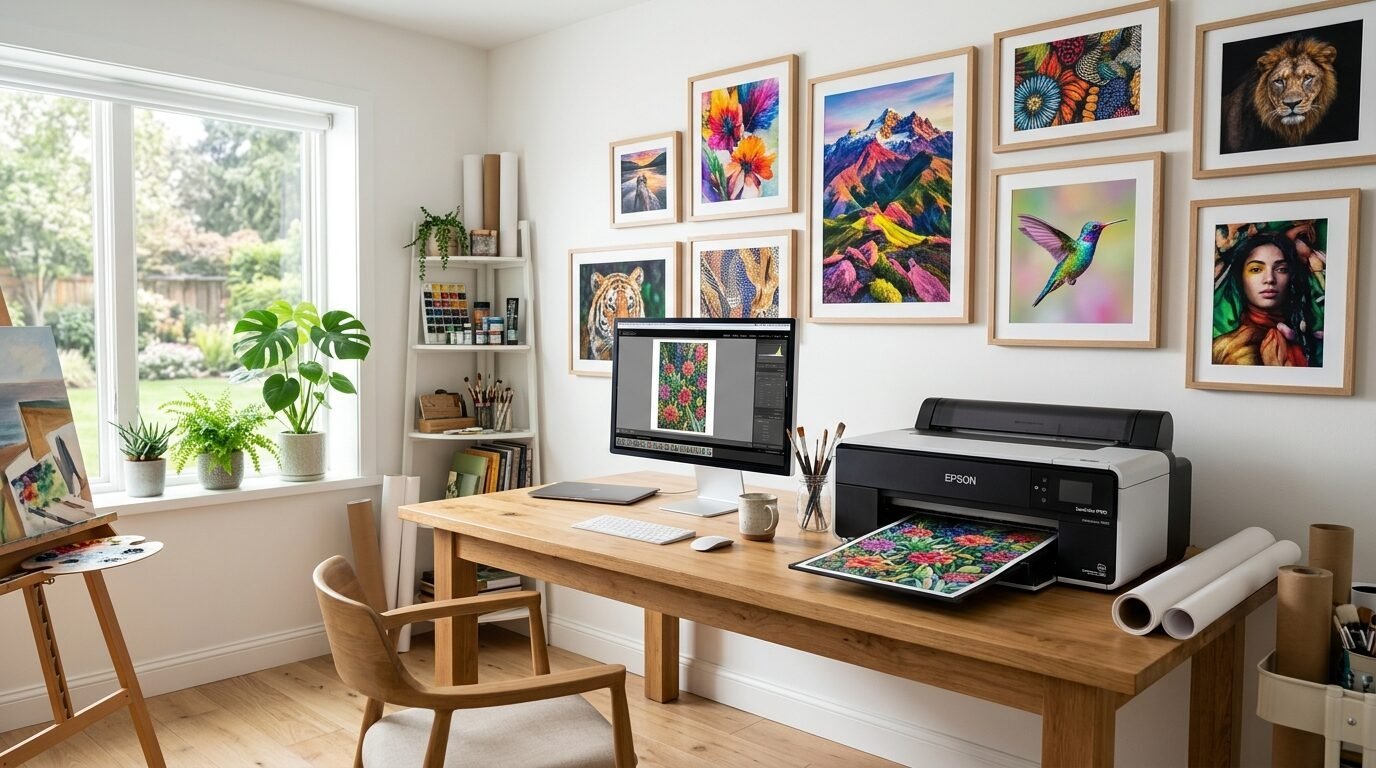
You want to turn your digital art into physical wall decor. You want those colors to pop. You want the paper to feel heavy and expensive. In my experience, the right gear makes all the difference. I remember my first art print. I used a cheap office printer. The reds looked like mud. The paper curled after two days. It was a mess. I learned that wall art needs pigment inks and high resolution. This guide will show you exactly what to buy. You can create a gallery in your own home. Let’s look at the best tools for the job.
Executive Summary
Making professional art at home is easier now than ever. You need a machine that handles thick paper. You need ink that stays bright for decades. In 2026, we have amazing options that fit on a desk. This article reviews the top 26 tools and printers for your home studio. We cover everything from wide format machines to the best cotton rag papers. You will see how to save money on ink. You will learn how to pick the right paper finish. I have tested these machines in my own workspace. I have seen which ones fail and which ones win. This list will help you pick your perfect match. You can start selling your art or just decorate your home. The outcome will look like it came from a high end shop.
1. Canon imagePROGRAF PRO-300
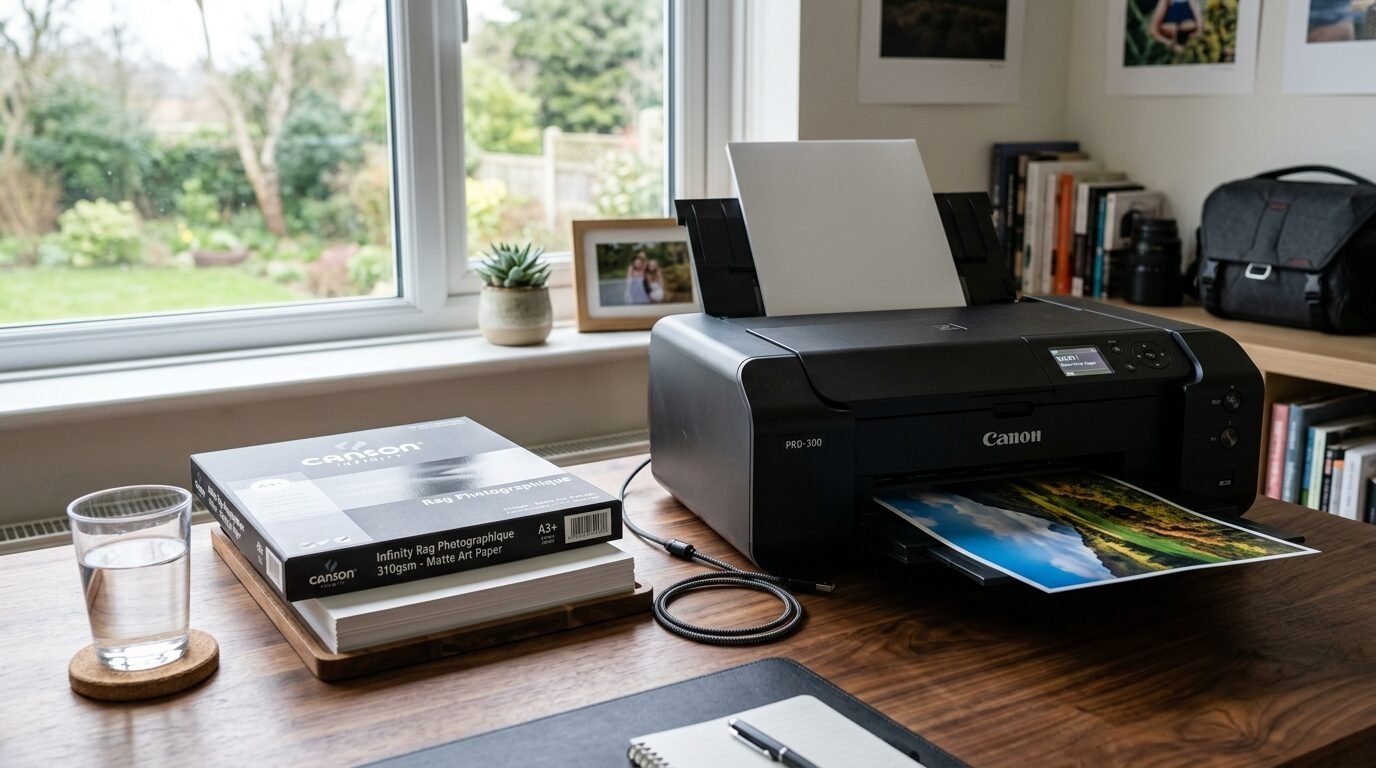
This is my favorite machine for fine art. It uses ten pigment inks. The colors are deep and rich. I noticed the matte black ink is very dark. It makes my charcoal drawings look real. It handles paper up to 13 inches wide. The build is solid. It does not take up too much room. I tried printing a sunset photo last week. The orange tones were perfect. It does not waste much ink during cleaning. This is a big win for your budget.
2. Epson SureColor P700
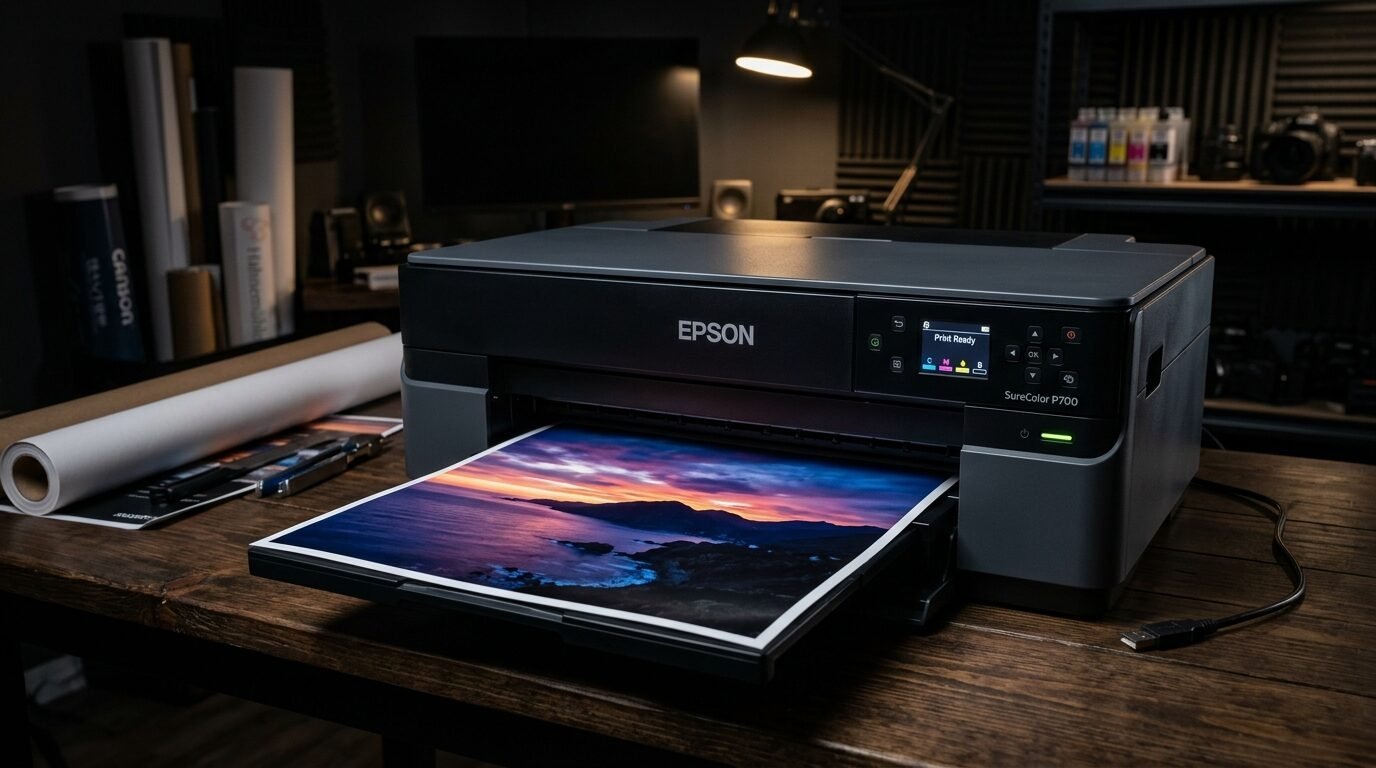
This machine is a beast for detail. It has a high resolution. The ink set includes a violet color. This helps with blue and purple tones. I saw a huge difference when printing ocean scenes. The paper path is very straight. This means thick art paper will not jam. I once used a very heavy 310gsm paper. It went through without a single mark. The touch screen is easy to use. You can see your ink levels clearly. It is a top choice for Best Printer For Fine Art.
3. Canon PIXMA PRO-200
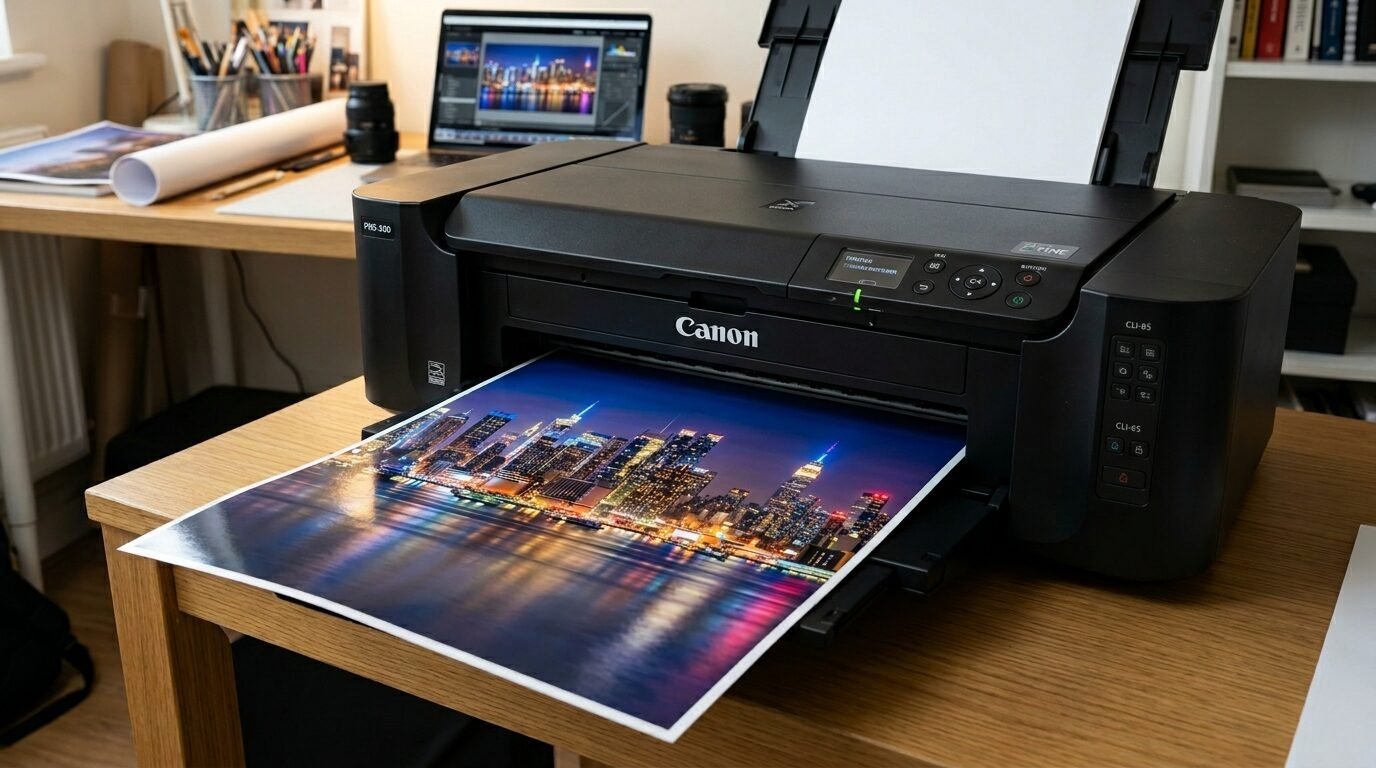
This one uses dye inks. Dye inks are great for glossy photos. They sink into the paper. The prints look very shiny and smooth. It is faster than pigment printers. I use this when I need to make many prints quickly. The price is lower than the PRO-300. It is a smart pick if you mostly make vibrant, colorful posters. The colors stay bright for a long time. I have a print on my wall from two years ago. It still looks new.
4. Epson Expression Photo XP-15000
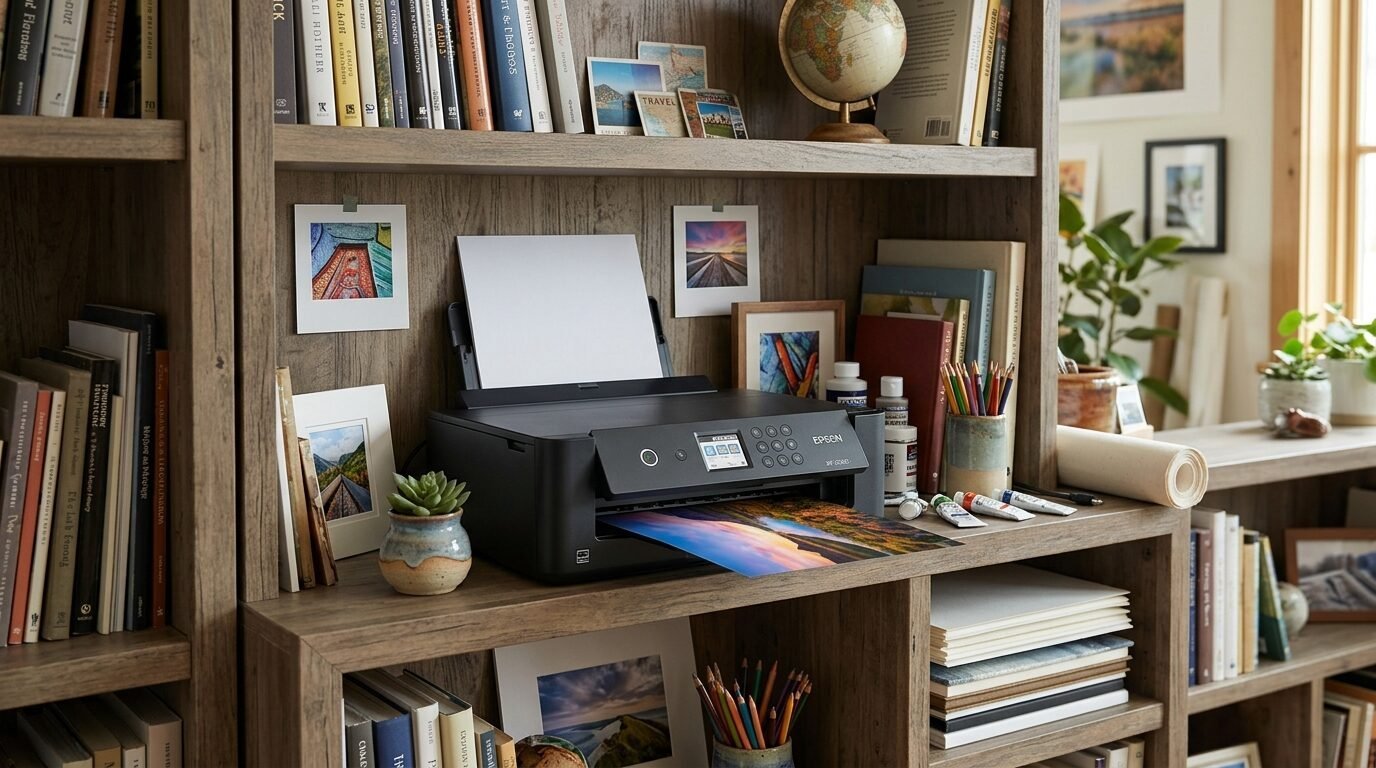
This is a great budget pick for wide prints. It is small but prints up to 13 inches wide. I love how it fits on a regular shelf. The red and gray inks make a big impact. Your black and white art will look neutral. It does not have a green or blue tint. I seen this work well for Etsy sellers just starting out. It is affordable. The setup is fast. You can be printing in ten minutes.
5. Canon imagePROGRAF PRO-1000
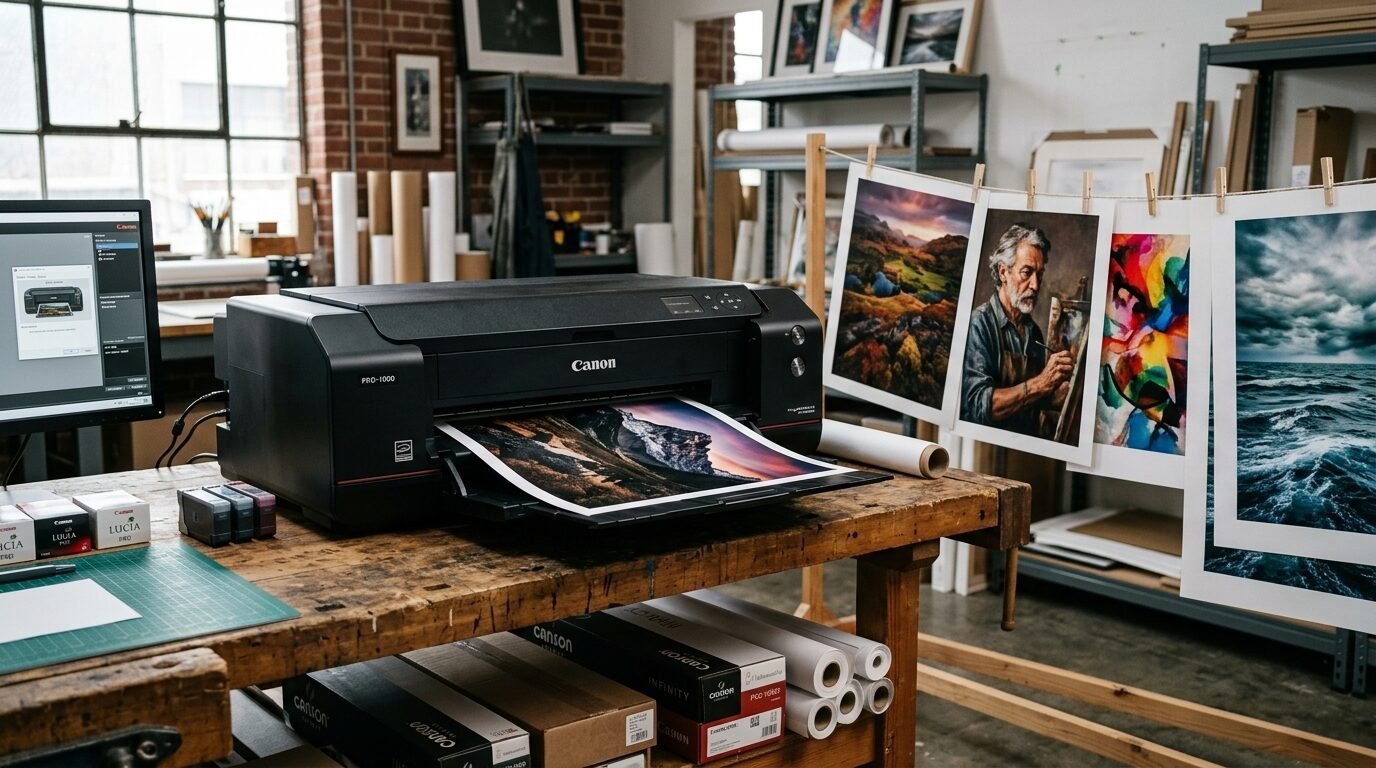
This is for people who want large prints. It goes up to 17 inches wide. It is heavy and needs a big desk. The ink tanks are huge. This lowers the cost per print. In my experience, this machine is the industry standard. The vacuum feed system keeps the paper flat. You will not get head strikes on the edges of your paper. I used this for a gallery show last year. The results were stunning. Every detail was sharp.
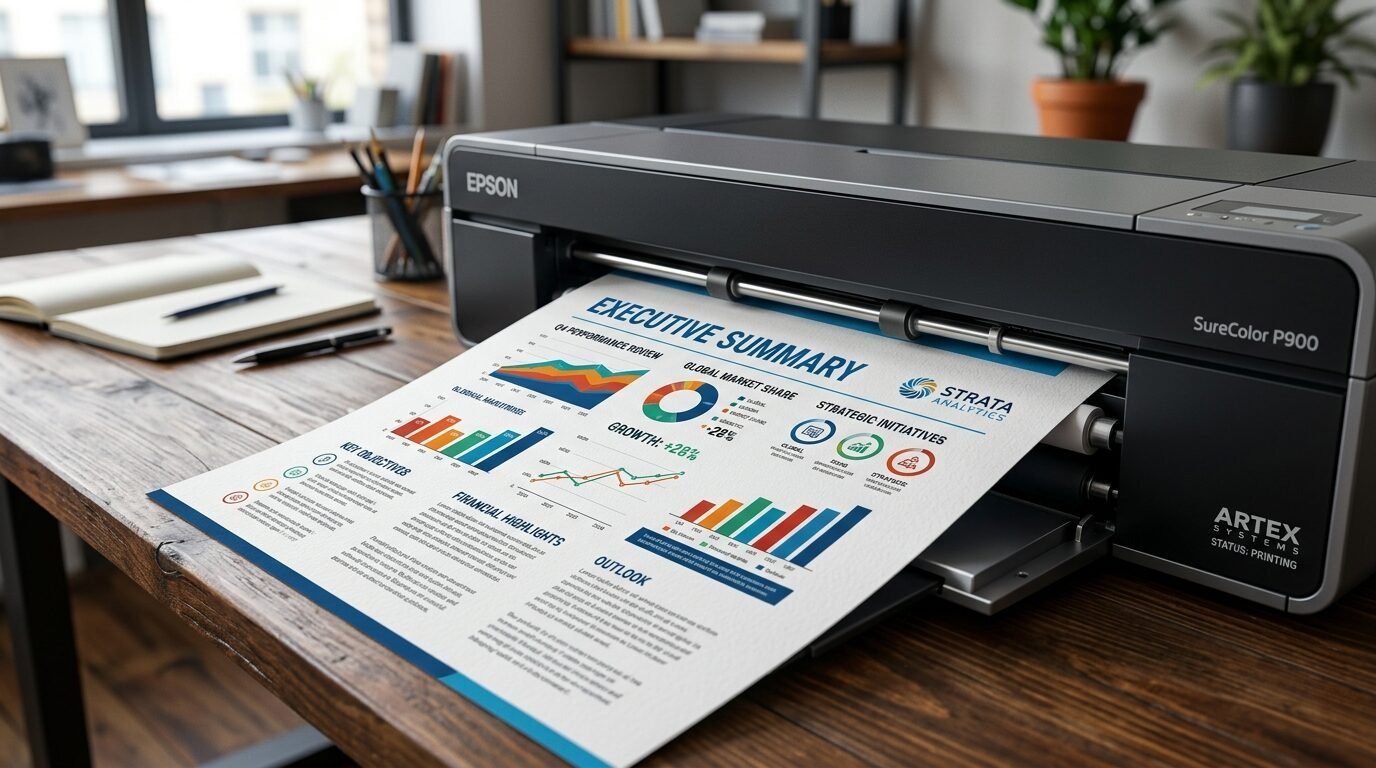
6. Epson SureColor P900
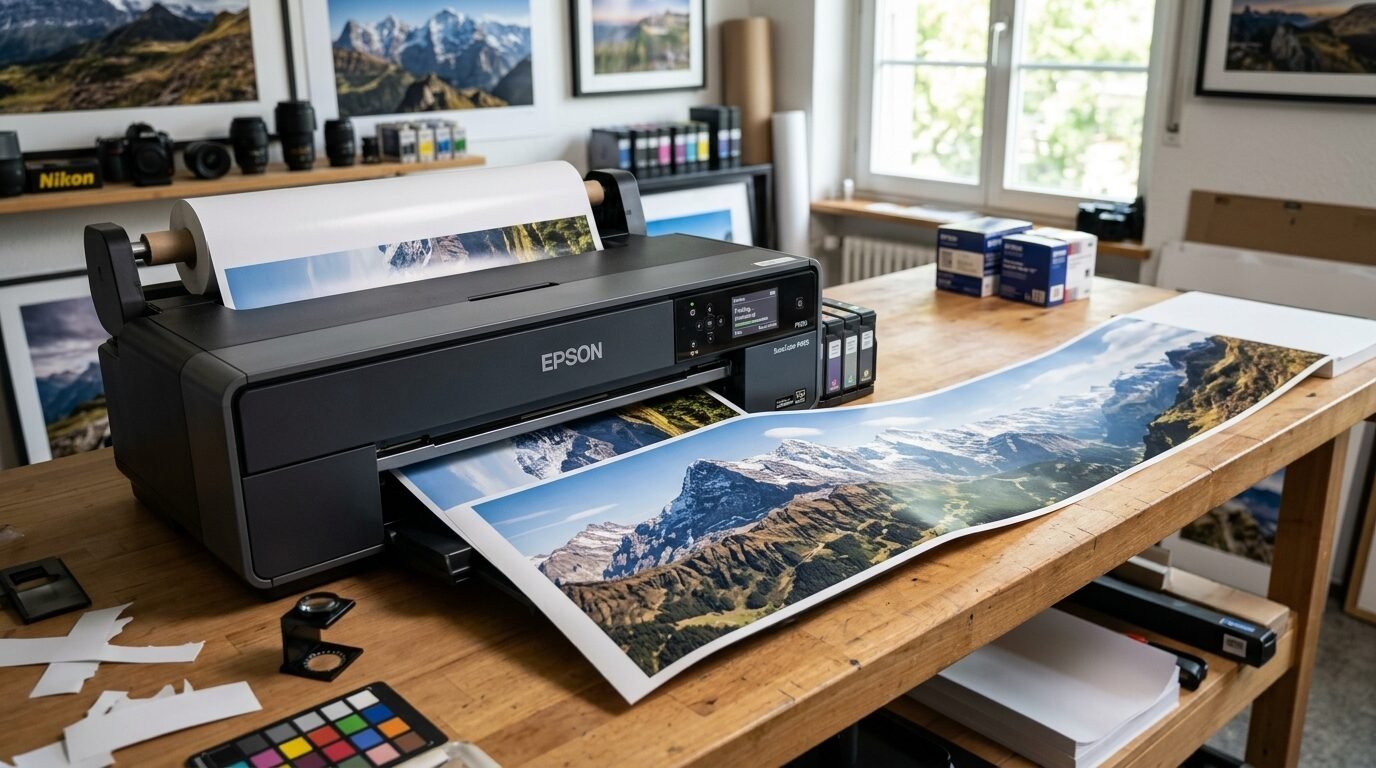
This is the bigger brother of the P700. It prints 17 inches wide. It has the same great ink set. I love the optional roll feeder. You can print long banners or panoramas. I tried a three foot long print of a mountain range. It was flawless. The black density is the best in its class. It makes the art look like it has depth. You do not need to switch black inks for different papers. This saves time and ink.
7. HP Envy Inspire 7955e
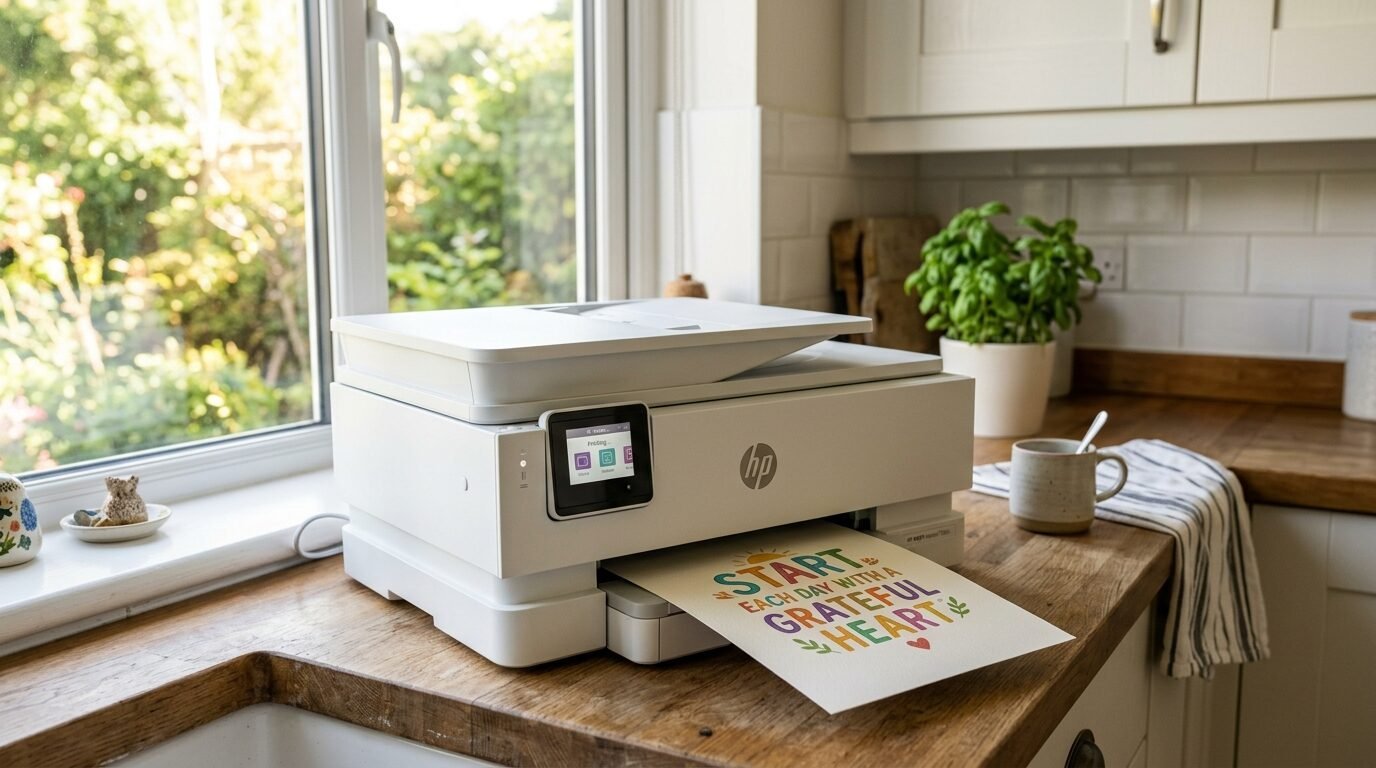
This is a simple home printer. It is not a pro machine, but it works for basic wall art. It is good for kids’ rooms or simple quotes. I noticed it handles cardstock well. The setup uses an app on your phone. It is very easy. If you are a beginner, this is a safe start. It is one of the Best Home Printers for Wall Art in 2026 for hobbyists. You get a few months of free ink with the plan.
8. Canon PIXMA G620 MegaTank
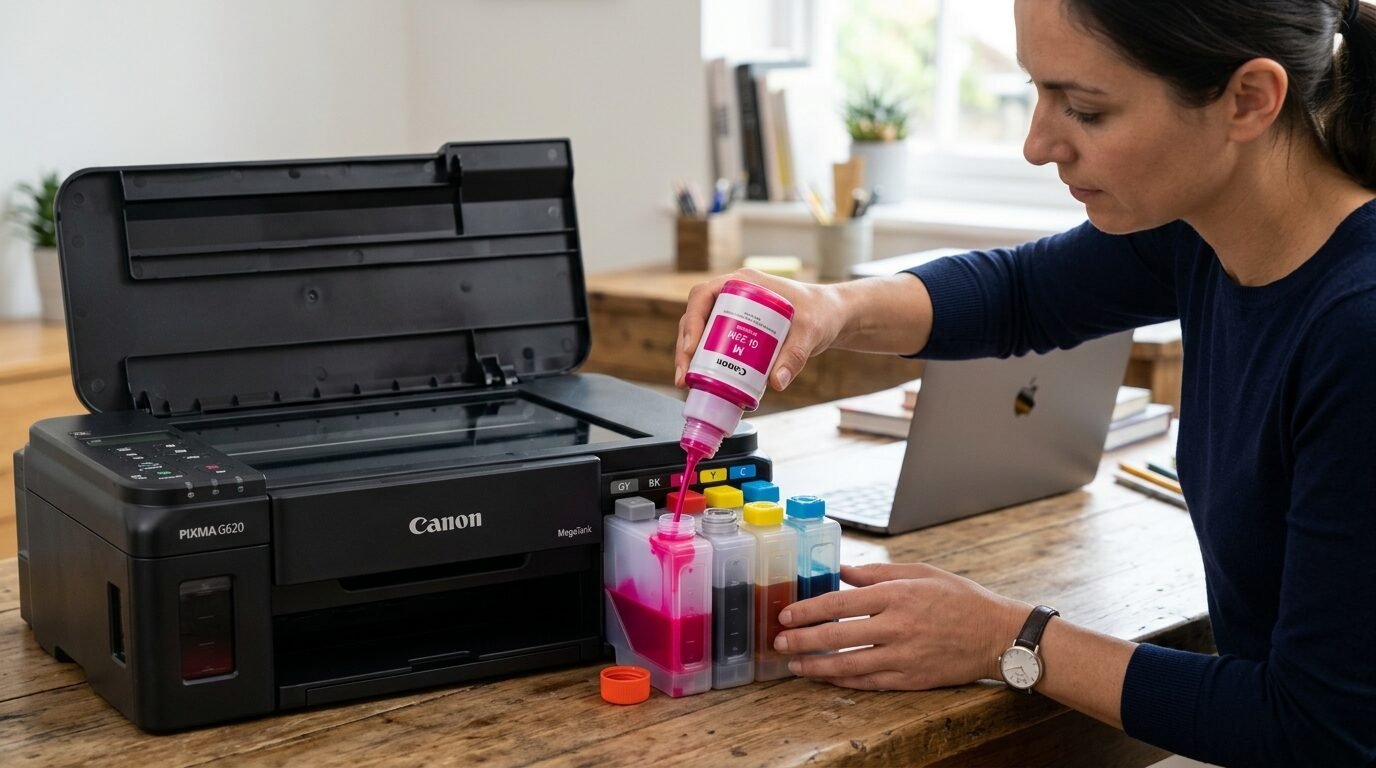
Ink costs can be scary. This machine fixes that. It uses bottles of ink instead of cartridges. You pour the ink into tanks. It comes with enough ink for thousands of prints. The quality is surprisingly good for art. It uses six colors. I found it perfect for making 4×6 or 5×7 art cards. The savings are huge. I spent fifty dollars on ink and it lasted a whole year. This is great for high volume creators.
9. Epson EcoTank Photo ET-8550
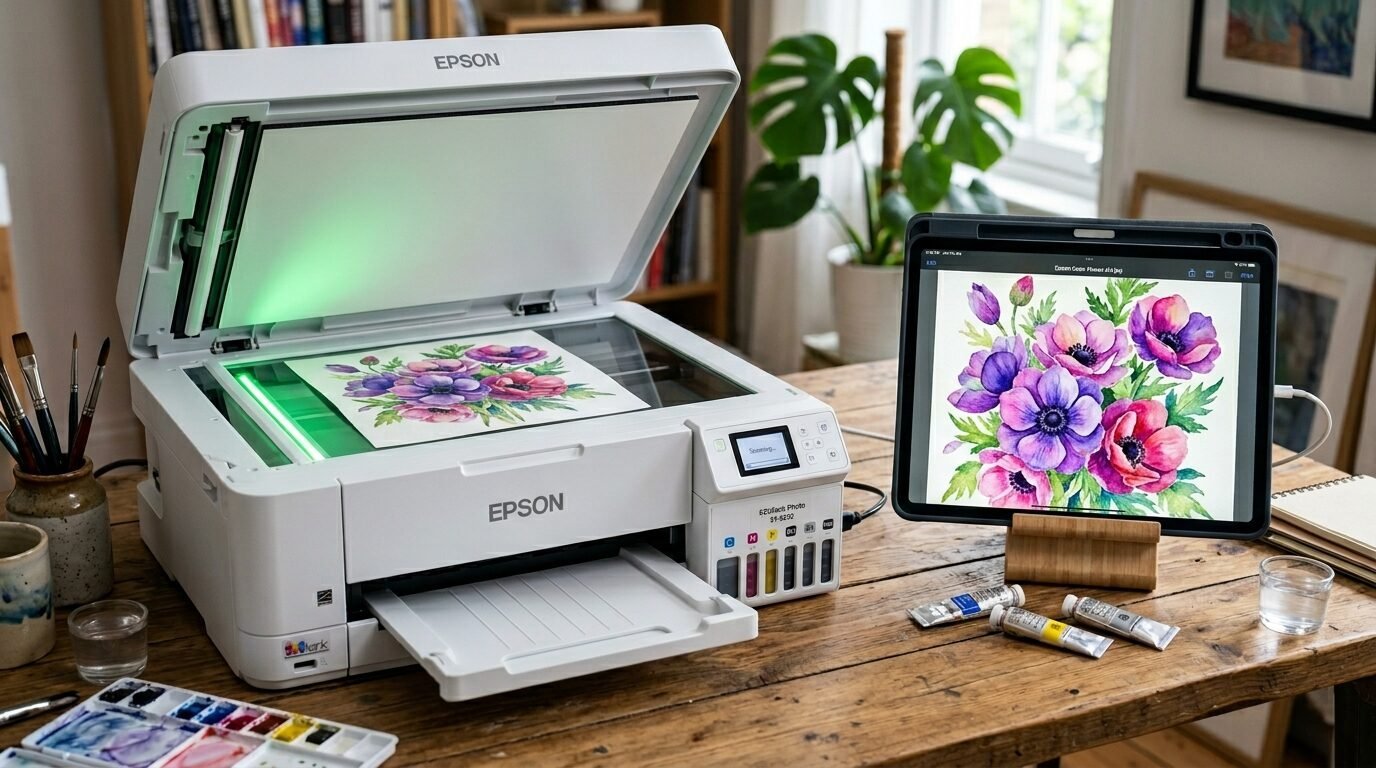
This is the king of tank printers for art. It prints up to 13 inches wide. The six color ink set includes a gray. This helps with shadows. I used this to print a series of botanical illustrations. The greens and browns were very accurate. It also has a scanner. You can scan your physical paintings and print them. The cost per print is almost nothing. It is a smart investment for any home studio.
10. Brother HL-L8360CDW
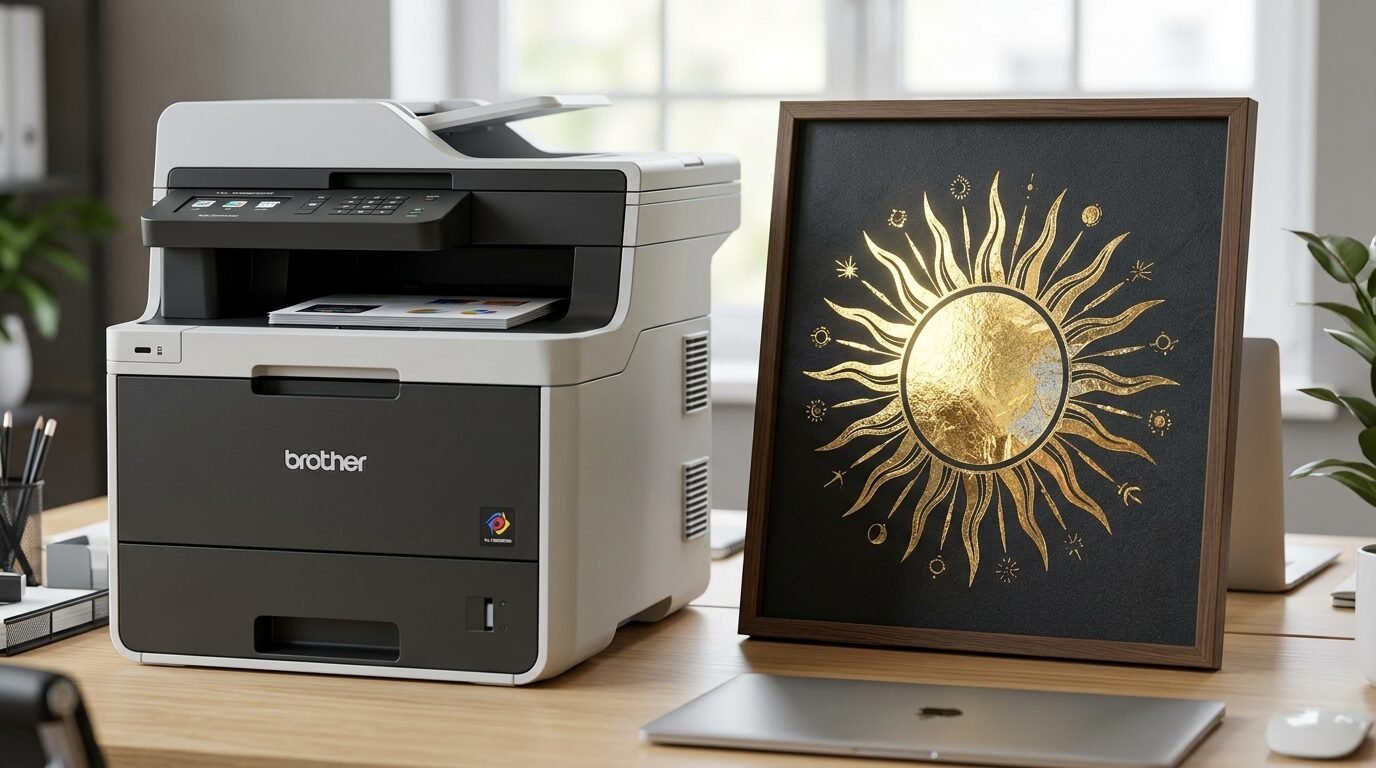
Sometimes wall art is about bold text and shapes. A laser printer is best for this. This Brother model is fast. The toner does not dry out. I use this for gold foil art. You print in black and then run it through a laminator with foil. The foil sticks to the toner. It looks like real gold. It is a special way to make wall decor. The prints are very crisp.
11. Hahnemühle Photo Rag 308
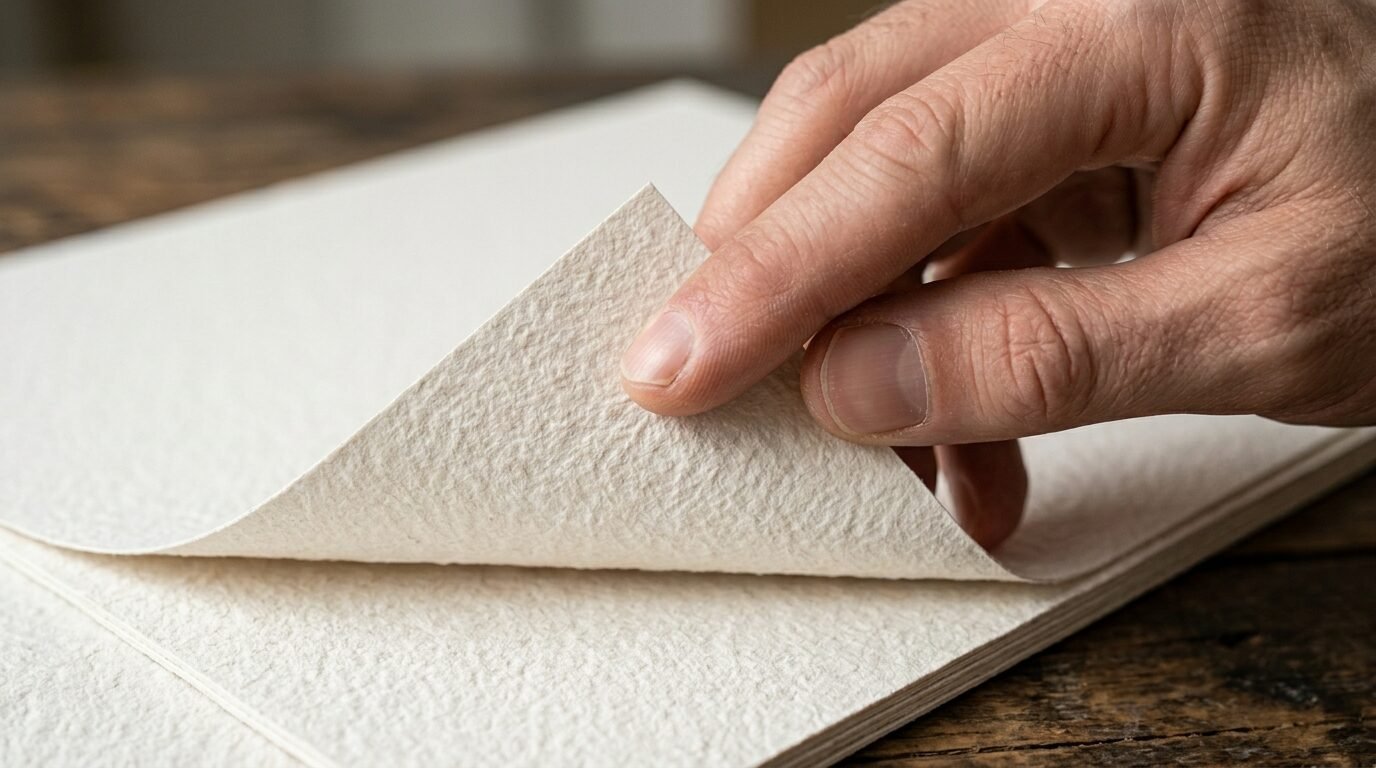
The printer is only half the story. You need the Best Paper For Art Prints. This paper is 100% cotton. It feels like felt. It is very thick. When I hold a print on this paper, I know it is high quality. It handles a lot of ink. The colors do not bleed. It is acid free. This means it will not turn yellow. Your art will last for a hundred years.
12. Canson Infinity Baryta Photographique II
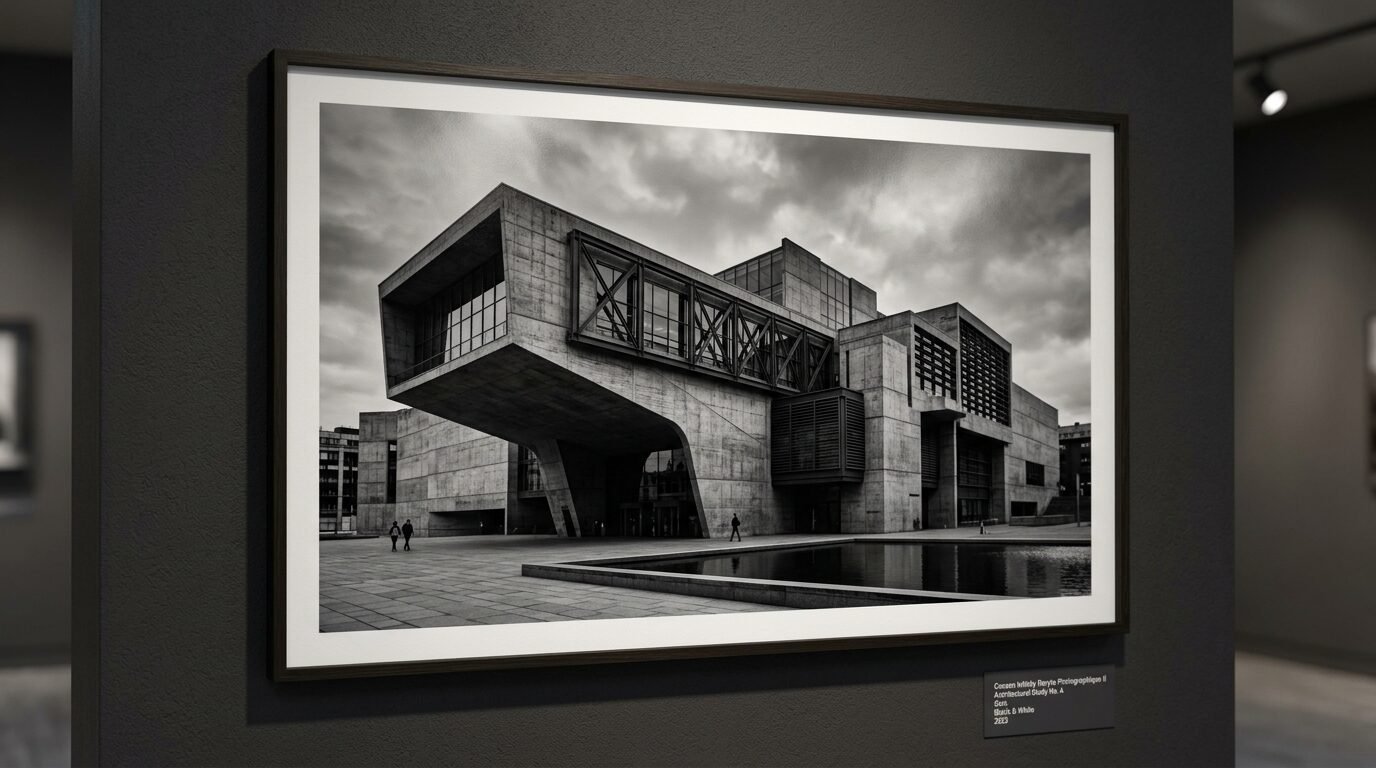
If you want a darkroom look, pick this paper. It has a slight satin finish. It is great for black and white art. I noticed the blacks look like liquid. It is very smooth. I used this for a series of architectural photos. The sharp lines looked amazing. It is a heavy paper that does not bend easily. It makes any print feel like a museum piece.
13. Red River Paper Aurora Art White
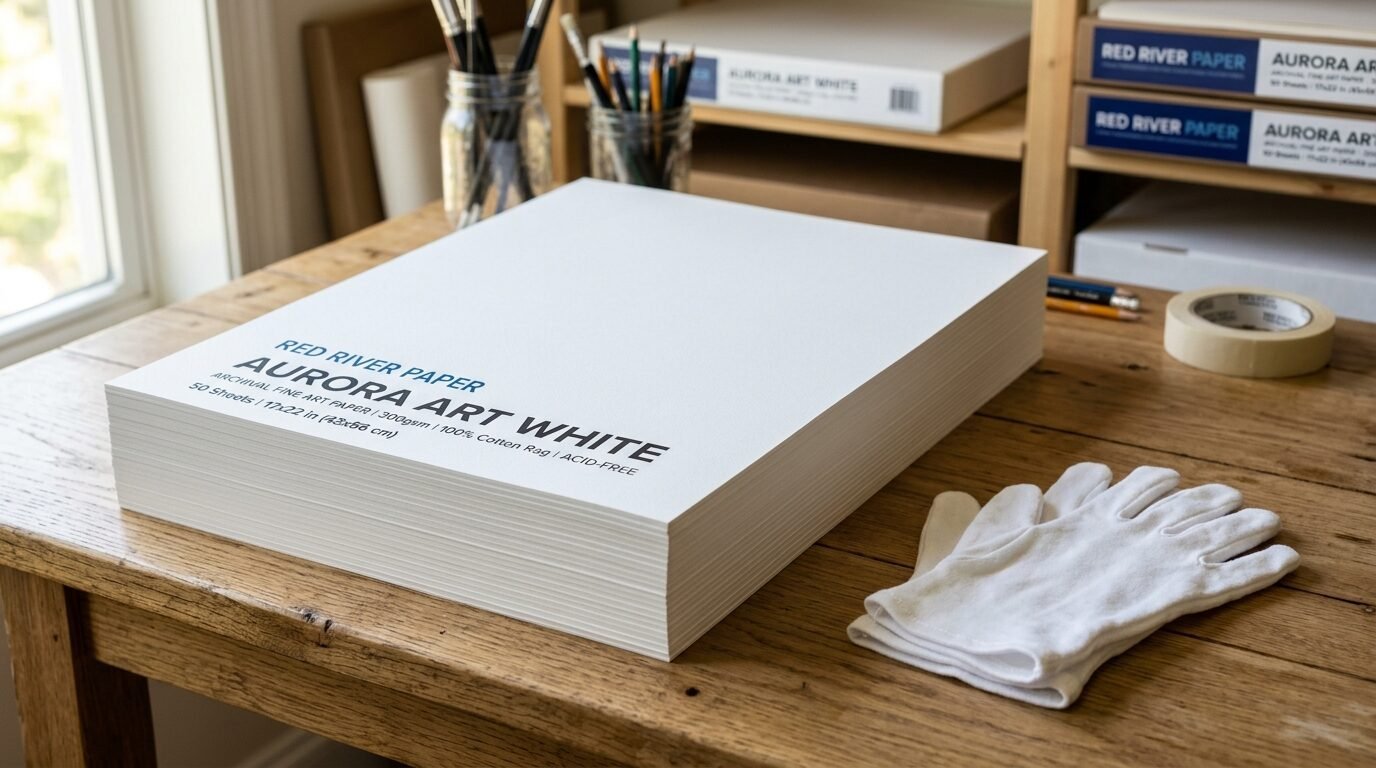
This is a great choice for a clean, bright look. It is a matte paper. It does not have a texture. I like using this for modern graphic design. The white is very neutral. It does not look too warm or too cool. It is more affordable than the German brands. I use this for my everyday art prints. The ink dries instantly on the surface.
14. Epson Velvet Fine Art Paper
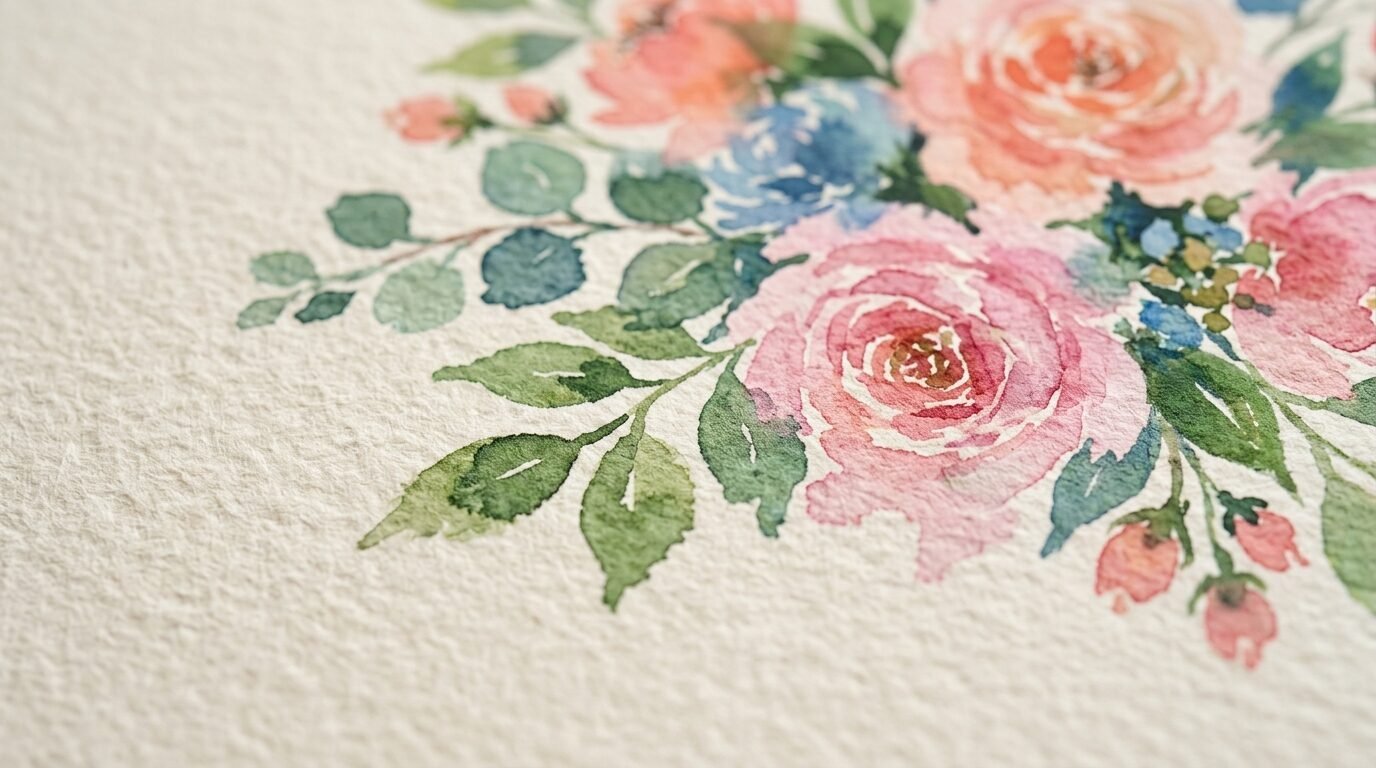
This paper has a soft texture. It is made for pigment inks. I seen this work best for watercolor art. It looks just like the original painting. I printed a floral piece on it recently. My friend thought it was the original. It adds a level of craft to your work. You need to use the rear feed on your printer for this. It is too thick for the bottom tray.
15. Moab Entrada Rag Bright
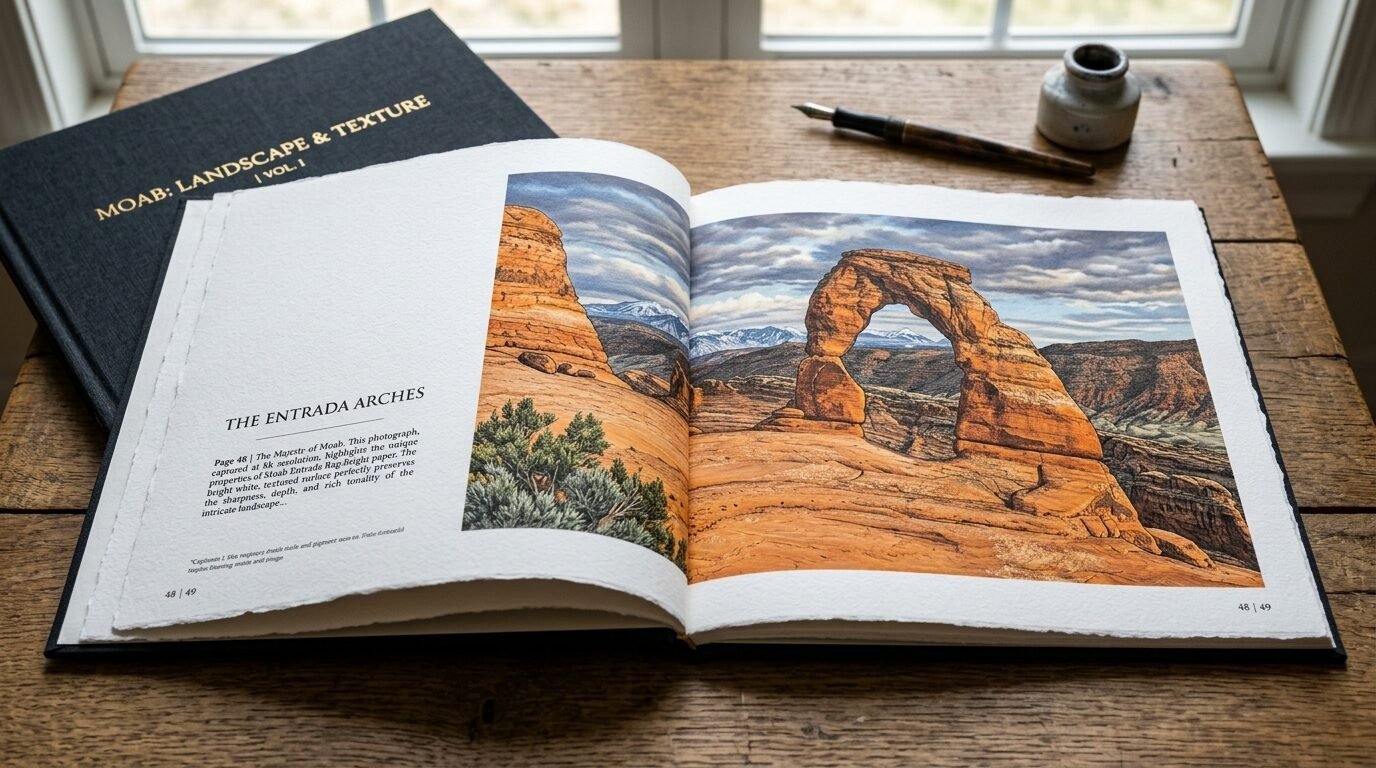
This paper is a classic. It is bright white and 100% cotton. It has two sides you can print on. I use this for art books and wall art. The detail is very high. It doesn’t have optical brighteners that fade. I have seen other papers turn dull over time. This one stays bright. It is a top tier choice for Best Printer For Art Prints.
16. Datacolor SpyderX Pro
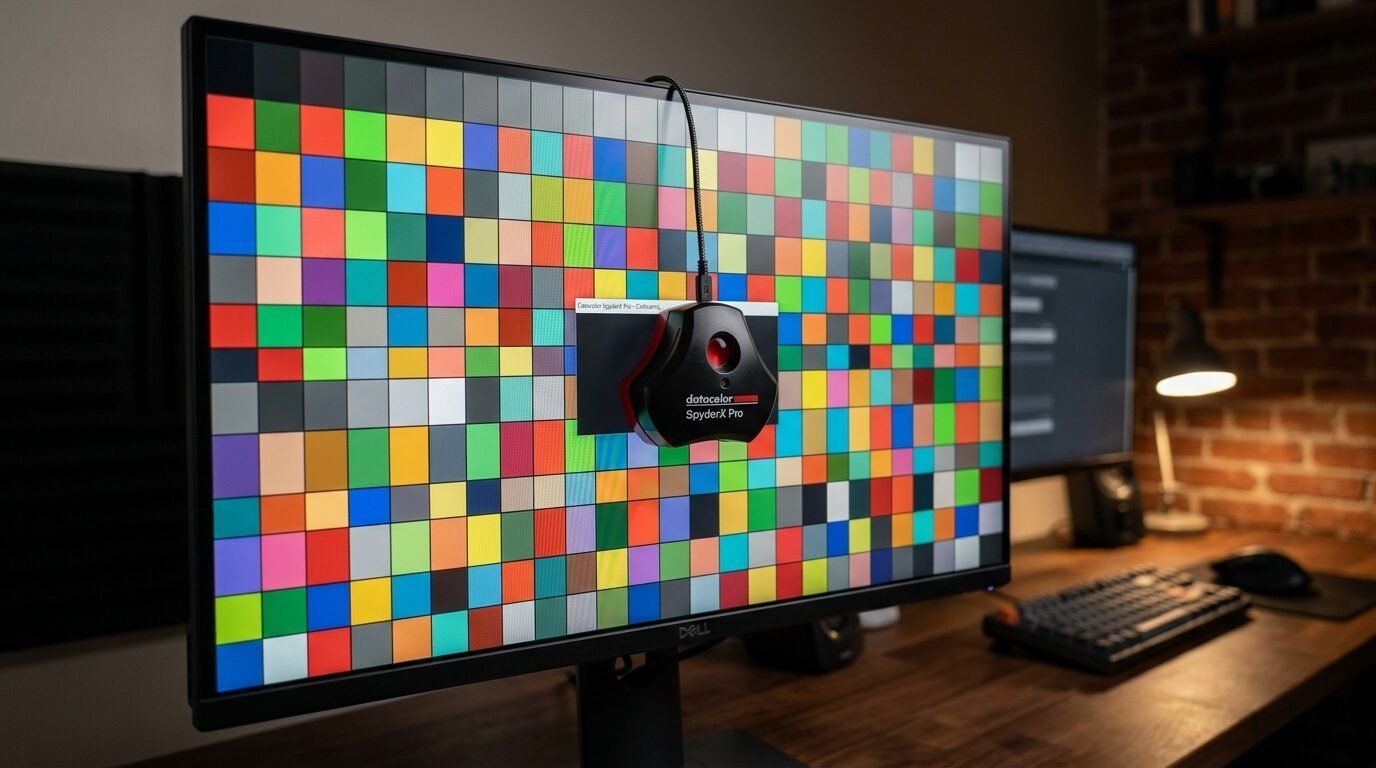
Your screen might be lying to you. I once edited a photo to look perfect. When I printed it, it was way too dark. I was so frustrated. Then I bought a calibrator. You stick it on your monitor. It fixes the colors. Now, what I see is what I get. This tool saves you so much money on wasted ink and paper. It is a must for pro results.
17. X-Rite i1Studio
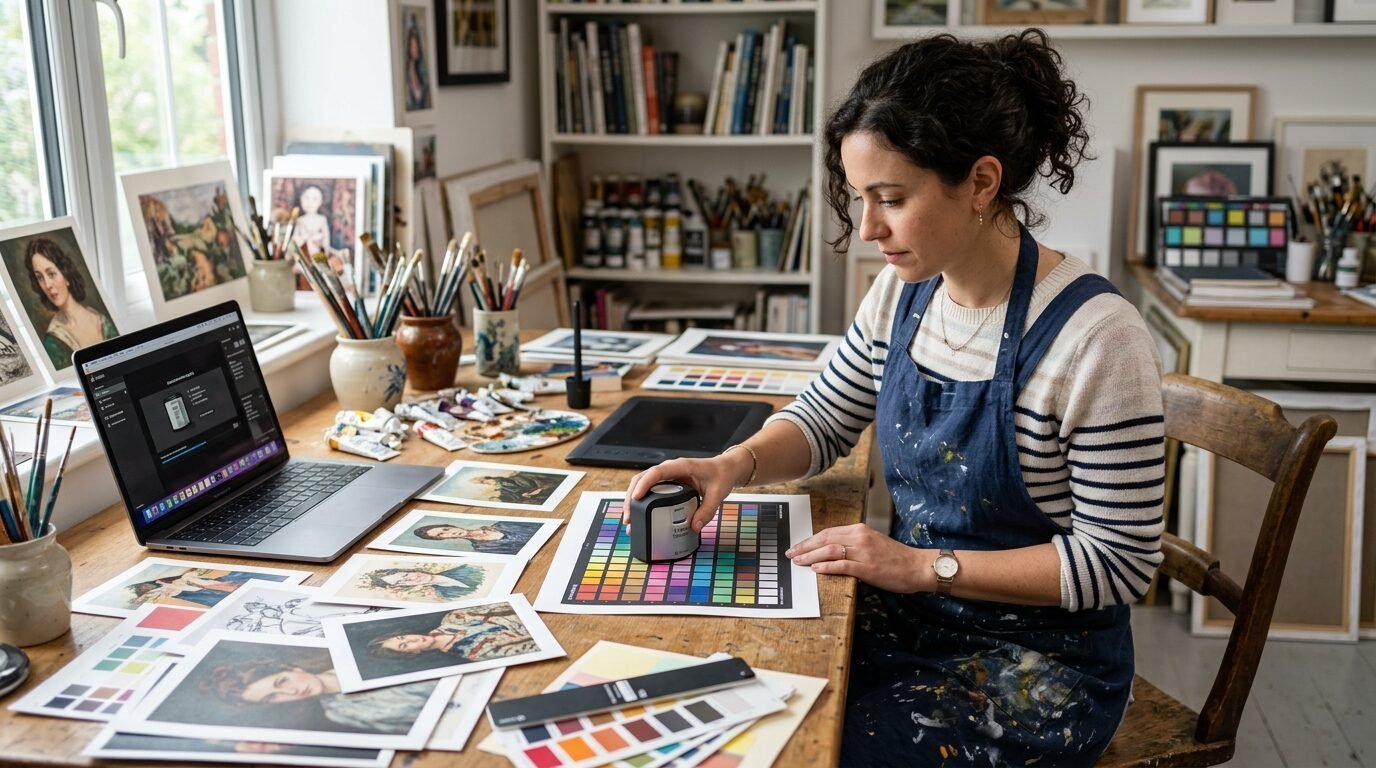
This tool is for the most serious artists. it calibrates your monitor and your printer. You print a test sheet. The tool reads the colors. It creates a profile for your specific paper and ink. I found this vital for my Best Printer For Fine Art. Every paper brand takes ink differently. This tool makes sure the colors are perfect every time. It is a big step up in quality.
18. Adobe Lightroom Classic
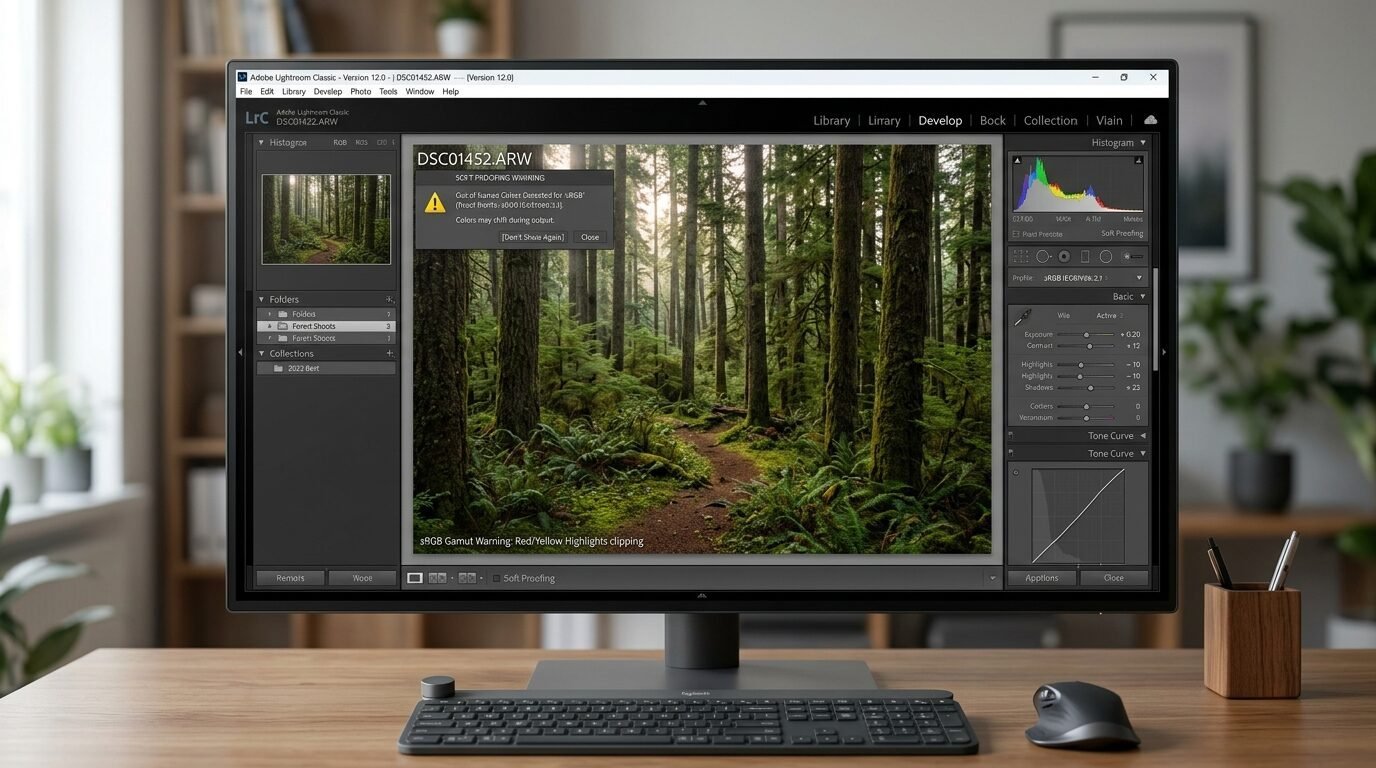
You need good software to prep your art. I use Lightroom for everything. It has a “Soft Proofing” feature. This shows you how the print will look on paper. You can see if your blues are too bright for the printer to handle. I always check this before I hit print. It helps me tweak the art for the best outcome. The layout tools are also very helpful.
19. Affinity Photo 2
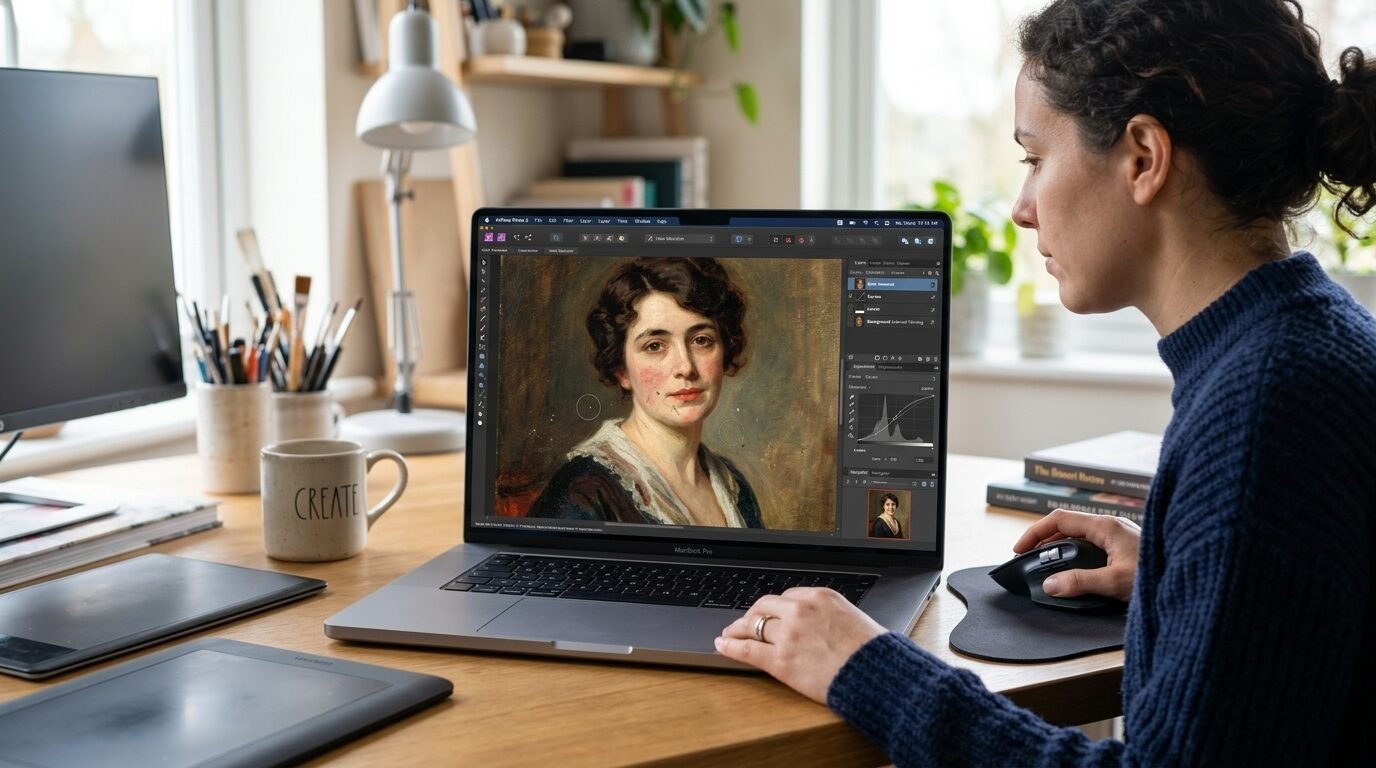
Not everyone wants to pay a monthly fee. I tried Affinity Photo and loved it. It is a one time buy. It has all the pro features you need for art prints. You can manage color profiles easily. I noticed it runs very fast on my computer. It is great for retouching scans of your art. You can remove dust marks and fix the lighting. It is a solid tool for Best Printers For Graphic Design.
20. Topaz Photo AI
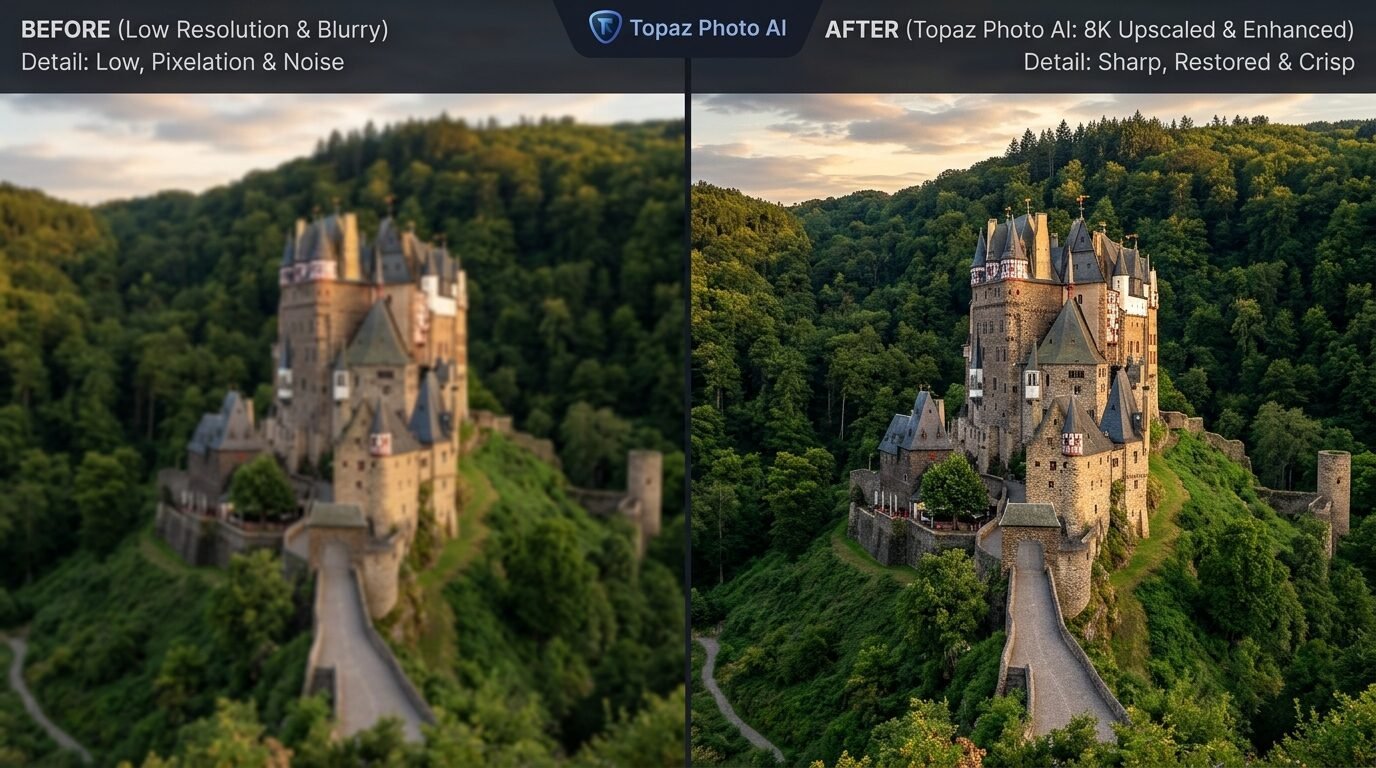
Sometimes your art file is too small. If you try to print it large, it looks blurry. I have used this tool to fix that. It uses smart tech to make images bigger without losing detail. I took a small digital sketch and made it into a 24 inch print. It looked sharp and clean. It is like magic for your old files. It also removes noise from photos.
21. Breathing Color Timeless Varnish
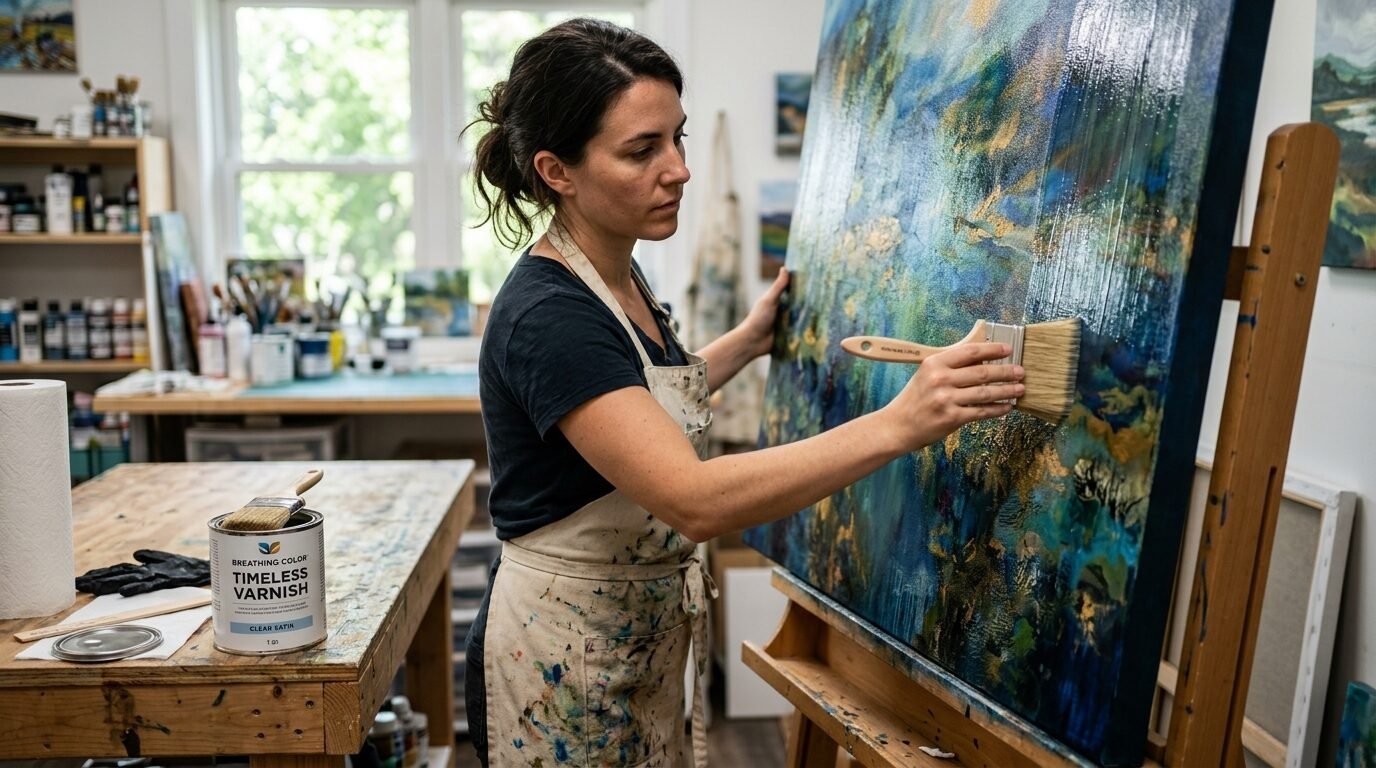
If you use canvas, you must protect it. This varnish is amazing. You can brush it on or spray it. It protects the art from UV light and dust. I saw a print that was five years old without varnish. It looked faded. The varnished one next to it was perfect. It also makes the colors look deeper. I prefer the satin finish. It is not too shiny.
22. Dahle Professional Rolling Trimmer
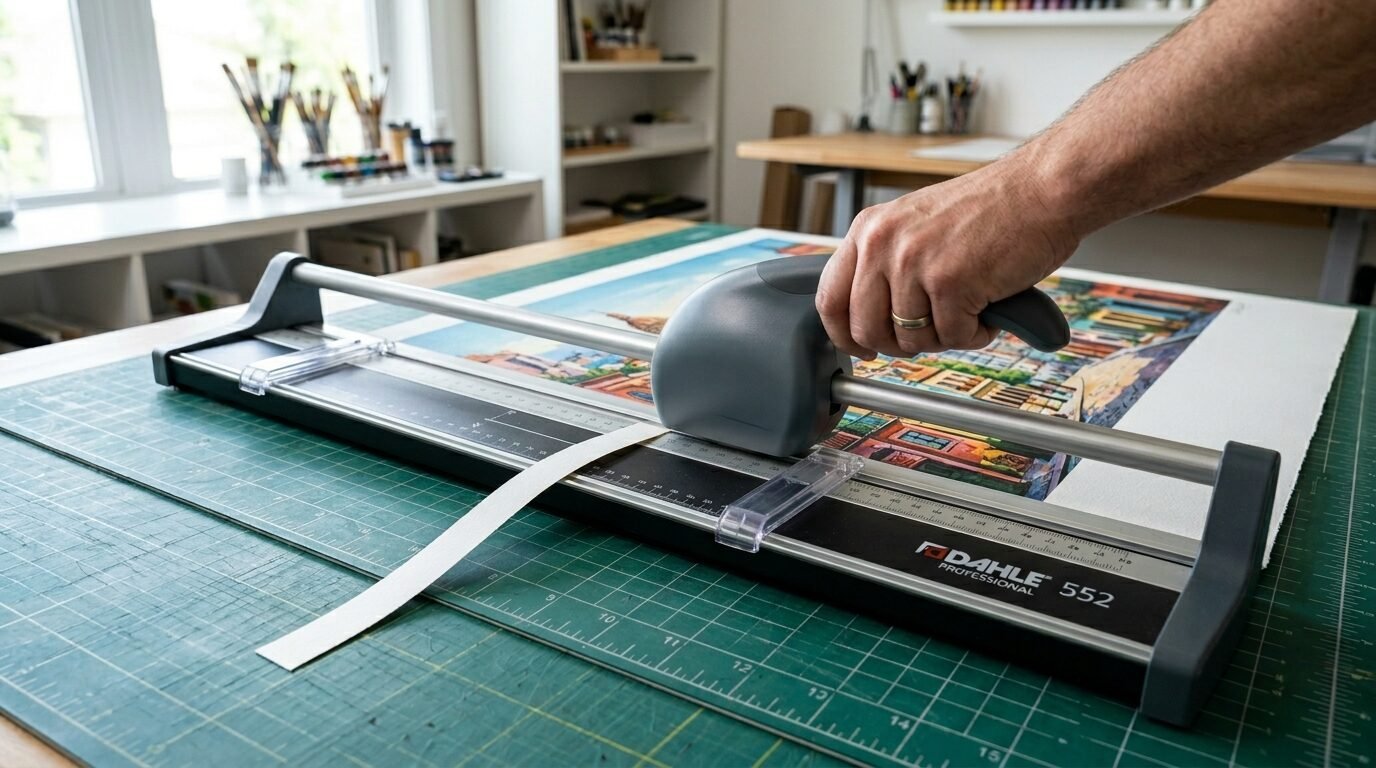
Do not use scissors for your art. You will never get a straight line. I bought a rolling trimmer years ago. It still cuts perfectly. It has a sharp blade that stays covered. You can trim the white edges off your prints. It makes them look professional. I use this for every single print I sell. It handles thick rag paper with ease.
23. Logan Graphics Compact Classic Mat Cutter
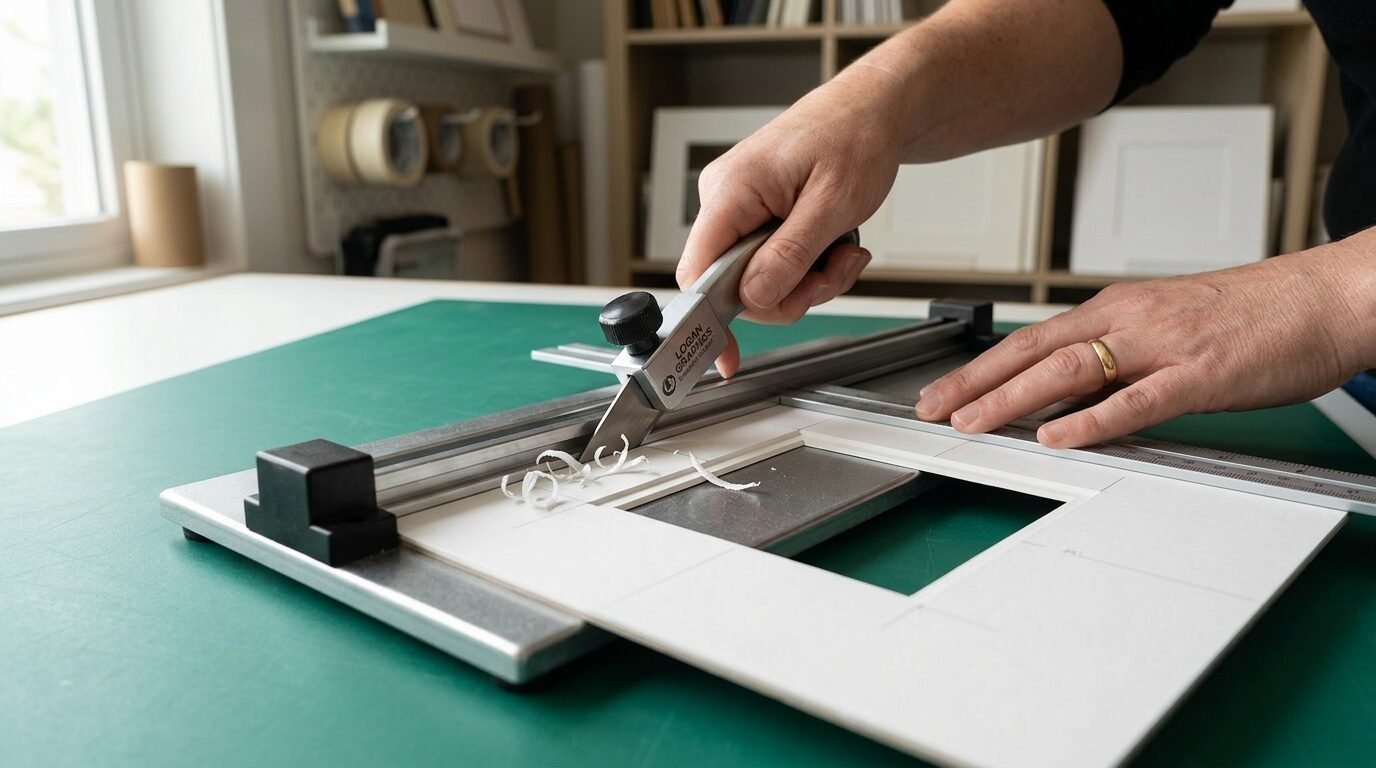
Framing art is expensive. I started cutting my own mats to save money. This tool lets you cut windows in board at a 45 degree angle. It looks just like a pro frame shop. I noticed that a matted print sells for much more than a loose one. It adds value to your work. The tool is easy to learn. I watched a ten minute video and was ready to go.
24. Lineco Neutral pH Adhesive
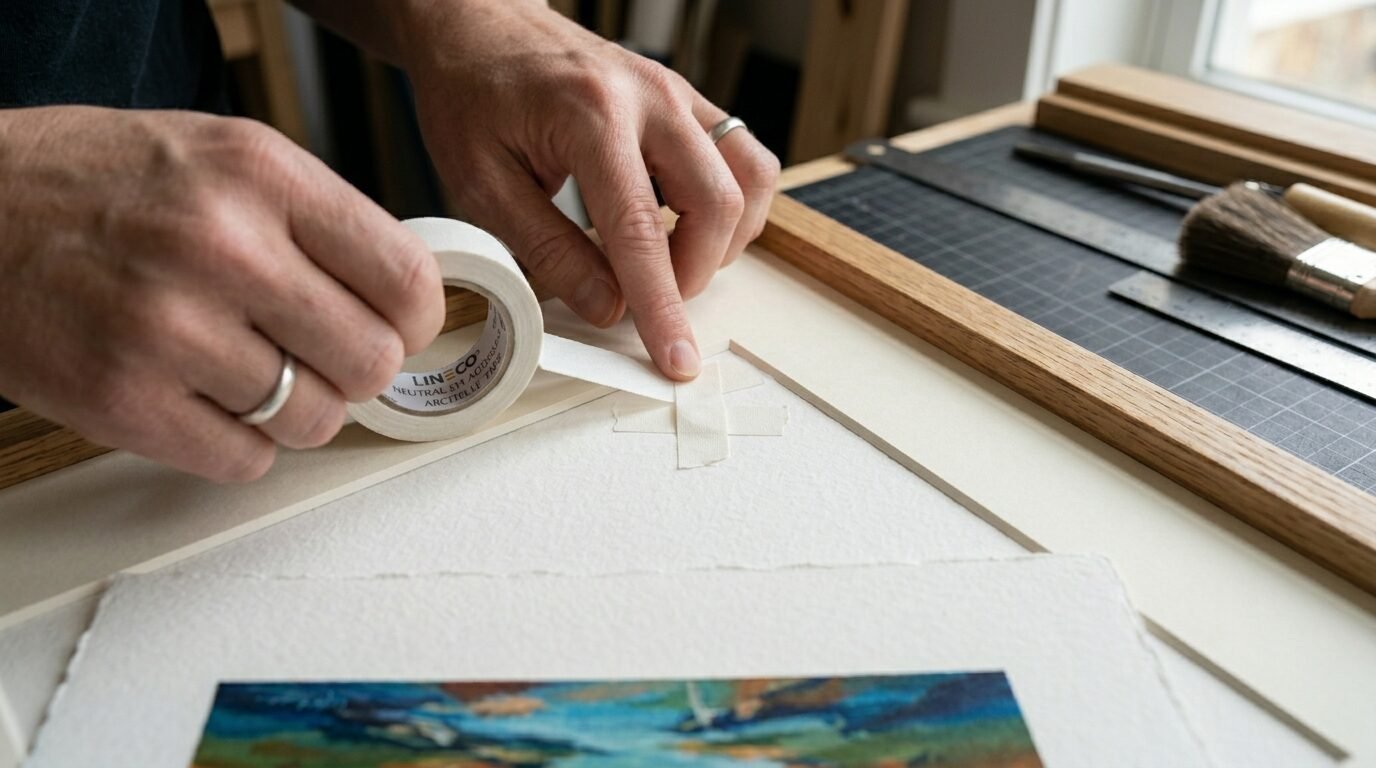
If you are mounting art, use the right glue. Regular tape has acid. It will turn your art brown over time. I use this pH neutral tape and glue. It is archival. This means it is safe for long term use. I seen beautiful art ruined by cheap tape. Do not make that mistake. This is a small cost for a big benefit.
25. ClearBags Protective Sleeves
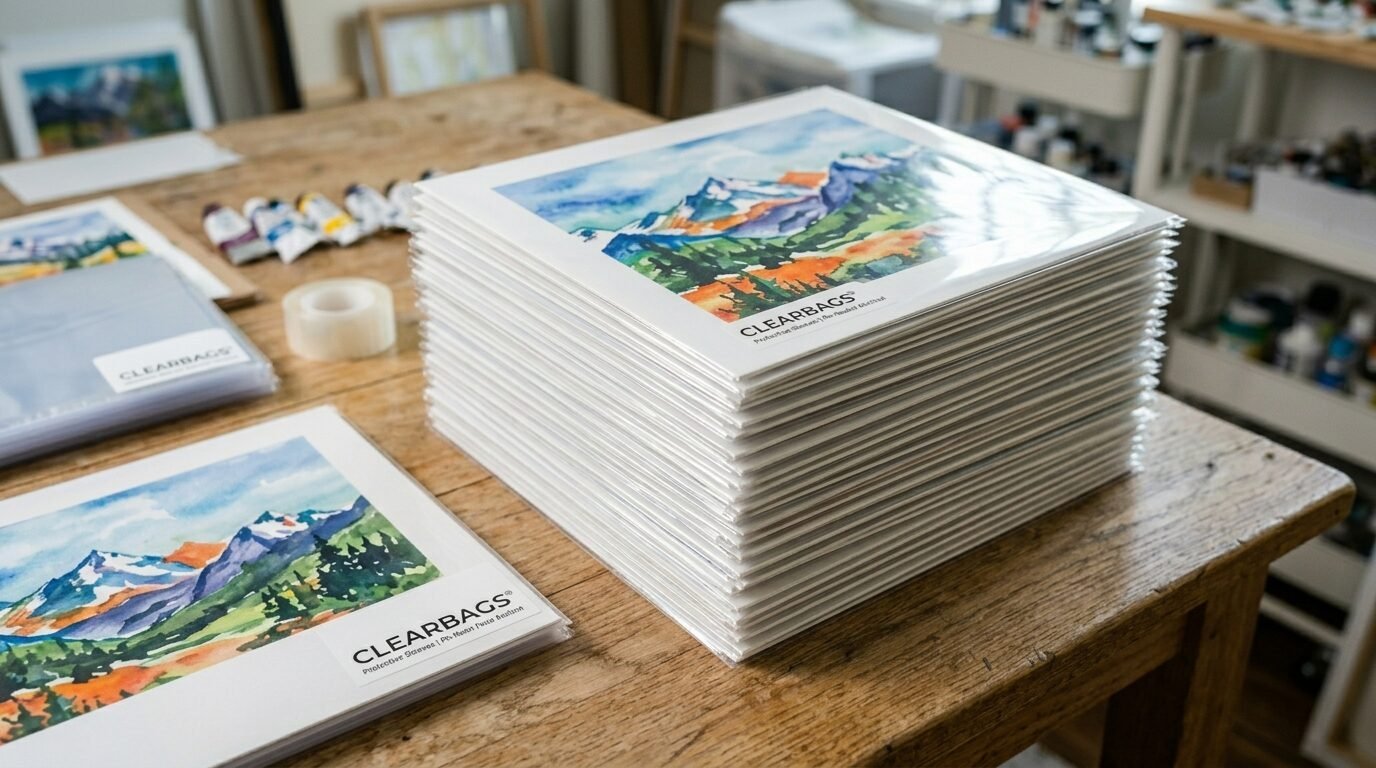
If you sell at markets or online, you need these. They are clear plastic bags that fit your art. They keep fingerprints and rain off your work. I always put a backing board inside too. It keeps the print flat. Customers love the professional look. I noticed people are more likely to buy when the art looks protected.
26. Canon PRINT Inkjet/SELPHY App
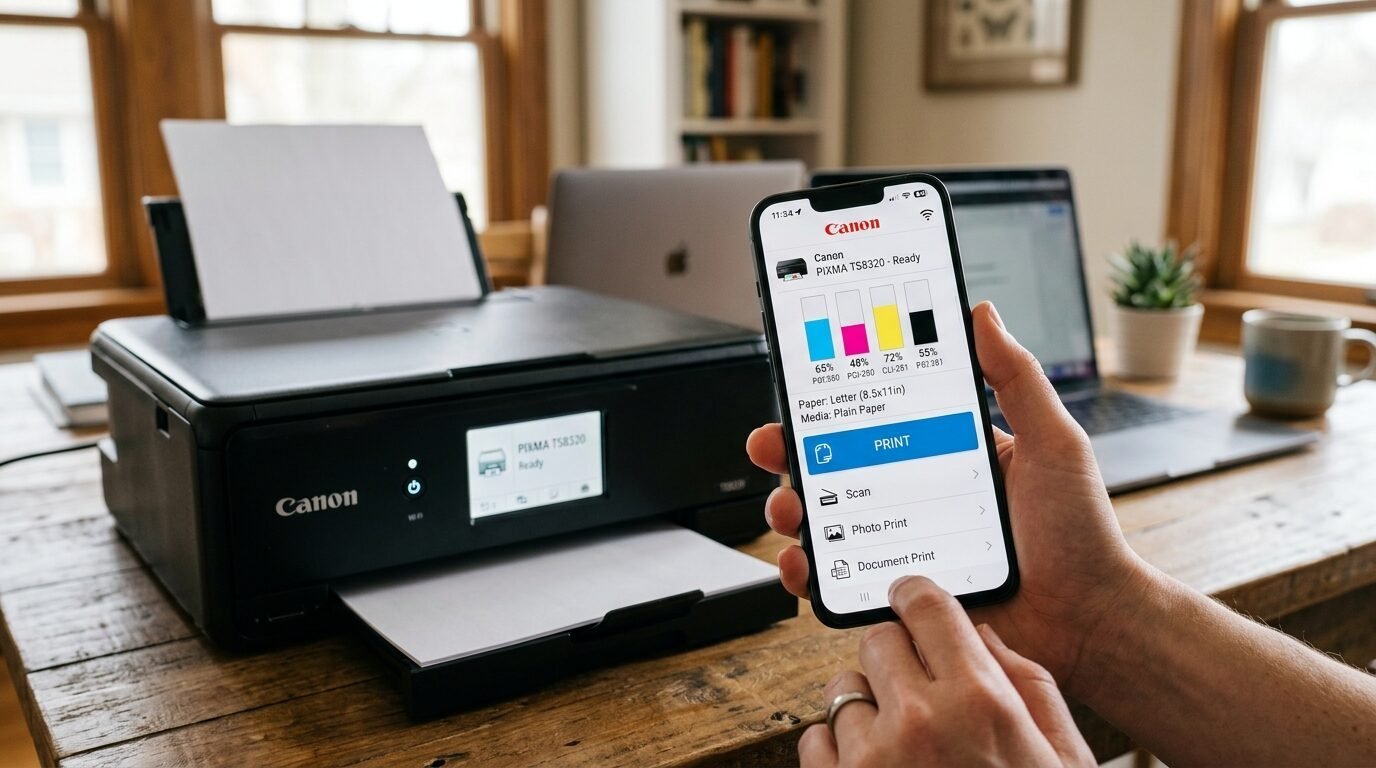
We live in a mobile world. Sometimes I just want to print a quick sketch from my tablet. This app is very stable. You can control the Best Home Printers for Wall Art in 2026 from your couch. You can check ink levels and clean the heads. I used it to print a last minute gift while I was in the kitchen. It worked perfectly. It is a simple tool but very handy.
Detailed Comparison of Top 3 Art Printers
| Feature | Canon PRO-300 | Epson P700 | Epson ET-8550 |
| Ink Type | Pigment (10 colors) | Pigment (10 colors) | Dye + Pigment Black |
| Max Width | 13 inches | 13 inches | 13 inches |
| Ink Cost | Medium | Medium | Very Low |
| Best For | Pro Fine Art | Deep Details | High Volume / Budget |
| Paper Feed | Top & Manual | Top & Front | Top, Front, & Rear |
| Black Density | High | Very High | Medium |
I have spent months using these three machines. The Canon is the most reliable. The Epson P700 has the best blues. The ET-8550 is the one I use for my kids’ school projects and my art drafts. If you want to sell art, pick the Canon or the P700. If you are just starting, the ET-8550 is a great choice.
Frequently Asked Questions
Which is better for wall art dye or pigment ink?
Pigment ink is the winner for wall art. It is made of tiny solid particles. These stay on top of the paper. They do not fade in the sun. Dye ink is liquid. It can fade in a few years if not behind UV glass. In my experience, customers want art that lasts. Pigment ink gives them that peace of mind.
How do I stop my printer from clogging?
Printers hate sitting still. I make sure to print at least one small thing every week. This keeps the ink moving. If you leave a pigment printer for a month, the ink can dry in the tubes. I saw this happen with an old Epson. It was a pain to fix. Just a quick nozzle check once a week is enough to keep it happy.
What is the best resolution for art prints?
You should aim for 300 DPI. This stands for dots per inch. If your file is 3000 pixels wide, it will make a ten inch print. I have tried printing at 150 DPI. It looks okay from far away. But when you get close, it looks soft. For professional Best Printer For Art Prints, always stay at 300 or higher.
Can I print on canvas with a home printer?
Yes, you can. You need to buy “inkjet compatible” canvas. It comes in sheets or rolls. I have used the Canon PRO-1000 for this. The results are great. You must use a straight paper path. Do not try to bend the canvas through a bottom tray. After printing, let it dry for 24 hours before you touch it.
How much does it cost to print art at home?
It depends on the ink and paper. On a PRO-300, a 13×19 print costs about five dollars. This includes two dollars for paper and three for ink. You can sell that print for thirty to fifty dollars. The profit is high. Using a tank printer like the ET-8550 drops the cost to about two dollars. It is a very good business to start.
Conclusion
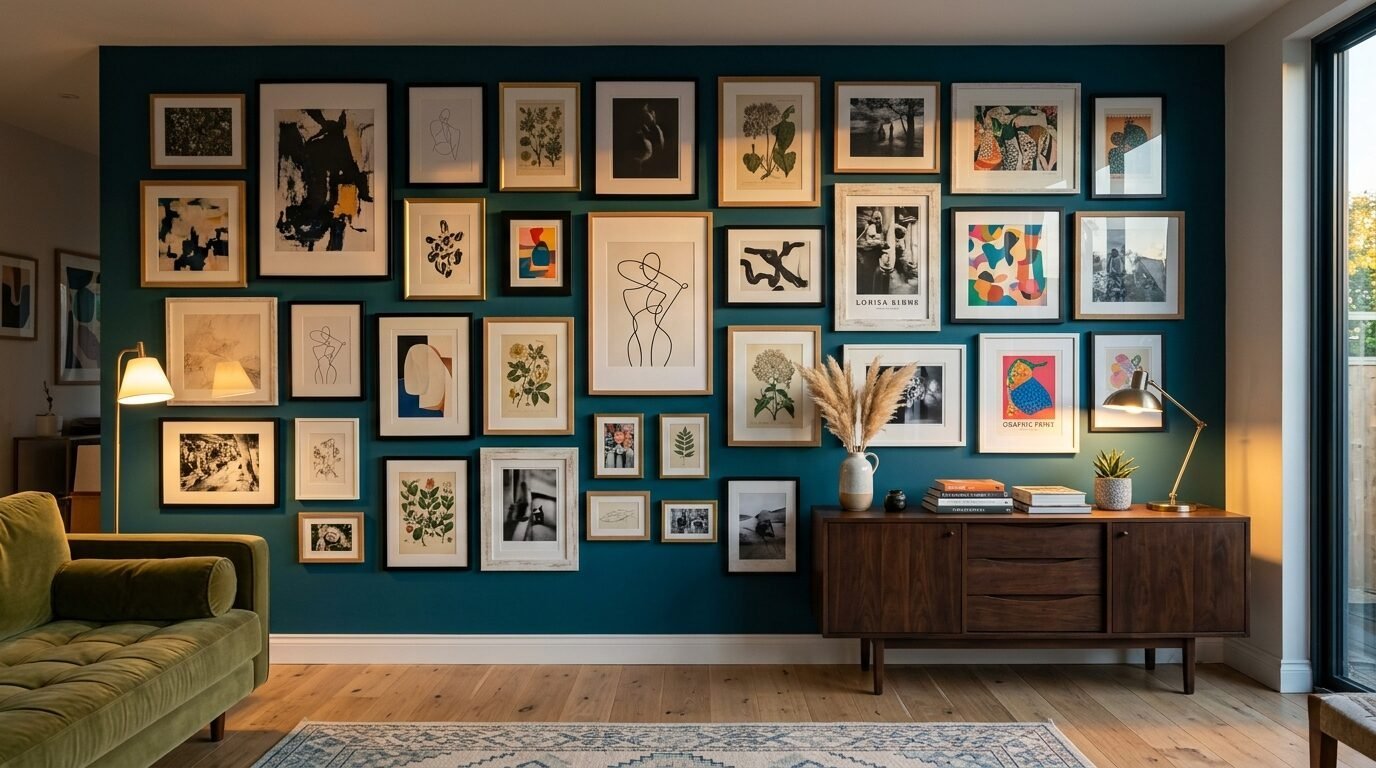
Choosing the Best Home Printers for Wall Art in 2026 is about your goals. If you want museum quality, go with the Canon imagePROGRAF series. If you want to save money and print a lot, the Epson EcoTank is your friend. I have seen my own art business grow because I took control of my printing. I stopped relying on outside shops. I could test new ideas in minutes. You can do the same. Start with one good machine and a pack of high quality rag paper. You will be amazed at what you can create in your own room. What kind of art are you planning to print first? I would love to hear about your projects in the comments.

Anya Castellan is the Founder and Editor-in-Chief of Home Wall Trends. An art history graduate of the Rhode Island School of Design with twelve years of experience writing for leading American design publications, she specializes in composition, gallery wall theory, and the quiet architecture of domestic space. A former contributing editor at Architectural Digest and guest lecturer at Parsons School of Design, Anya personally reads and signs off on every piece before it is published.